
Account and billing
How to Download Order Receipts in Patient Portal
Updated Aug 28, 2026From the Belle care team
- Navigate to the patient portal and log in.
- Click your initials in the top right corner and select Orders
- Locate the order you would like the receipt for, and select View details.

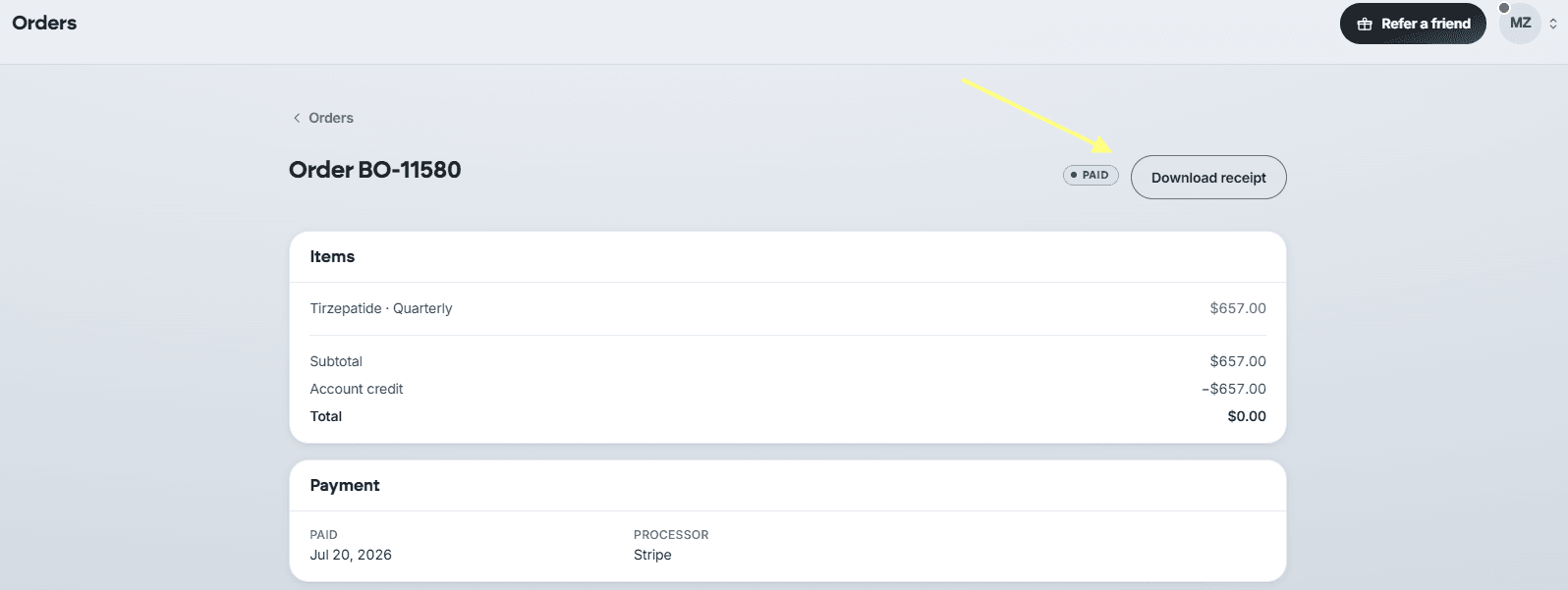
- At the top of the page there will be an option to Download receipt.
Was this article helpful?